
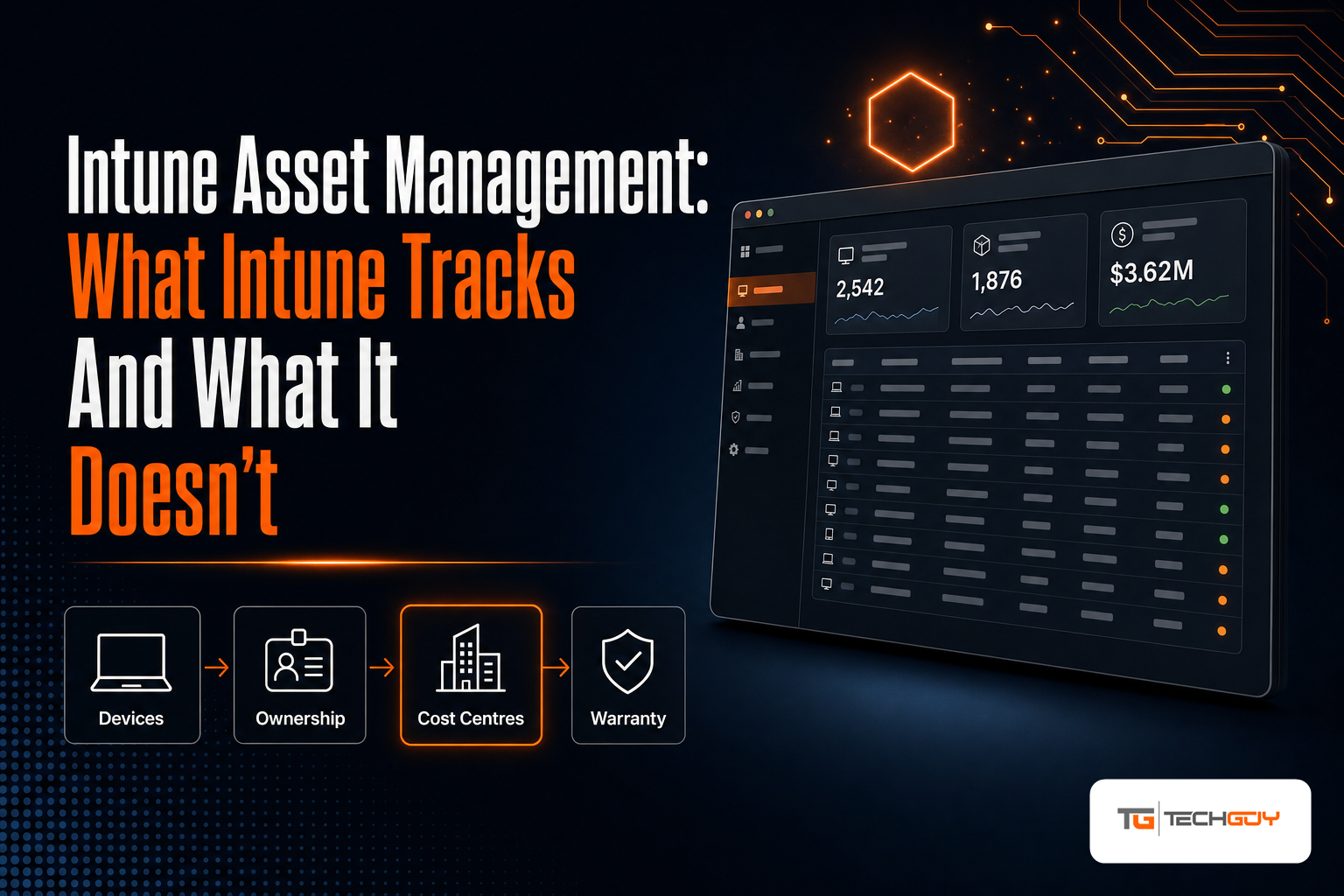
I have been working with Microsoft Intune for years, and I will say this up front: it is good at what it does. Device enrolment, configuration, compliance, application deployment — Intune handles all of that well, and it keeps an accurate inventory of every device it manages.
And yet, every few months, someone asks me a version of the same question:
“We have Intune. Can you tell me what our hardware costs per department?”
The answer is no. Not because Intune is doing something wrong, but because that was never its job. This article is about where that line runs, what sits on the other side of it, and what people usually do about it.
What Intune tracks, and tracks well
Let us be fair to the product first. For every device it manages, Intune gives you:
- A current hardware inventory — manufacturer, model, serial number, storage, memory, processor
- Enrolment and ownership state — corporate or personal, when it enrolled, when it last checked in
- Compliance and configuration — which policies apply and whether the device meets them
- Installed applications and the ability to deploy more
- The assigned user
That data is accurate and it is current, which is more than most asset databases can claim. If your question is “what is this laptop and is it healthy”, Intune answers it better than a spreadsheet ever will.
Five things Intune does not do
1. It does not know what anything costs
There is no cost centre on an Intune device. No monthly rate, no chargeback, no way to tell the finance department that the marketing team is running forty laptops. Intune models devices, not money.
This is the gap I get asked about most often, and it is usually solved once a year, in a spreadsheet, by someone reconstructing twelve months of device movements from memory and email.
2. It does not see what it does not manage
Monitors. Docking stations. Printers. Phones that were never enrolled. The spare laptops in the cupboard. Conference room equipment.
None of it appears in Intune, because none of it is a managed device. In most organisations this is a surprisingly large share of the hardware budget — and it is precisely the part nobody can account for.
3. It does not carry manufacturer warranty dates
Intune knows the serial number. It does not know that Dell’s warranty on that serial expires in March. Warranty data lives with the manufacturer, and getting it out means asking them, device by device, or paying someone to do it.
Which means the question “how many devices fall out of warranty next quarter” — a reasonable budget planning question — has no answer inside Intune.
4. It does not let you delegate by scope
You can delegate in Intune through role-based access control, and it works. But modelling “the site manager in Linz may maintain the devices at their location, and only those, and may not touch anything else” is a scoping exercise that gets awkward fast.
What most organisations actually want is simpler than RBAC: let the person closest to the hardware correct what they can see, without turning them into an administrator.

5. End users cannot act on their own device
The Company Portal shows a user their devices. It does not let them say “this laptop is not mine any more”, or “I handed this back in March”, or “someone stole this yesterday” in a way that updates your records and triggers a process.
So those corrections arrive as tickets, or as emails, or not at all. Usually the third one.
None of this is a flaw
I want to be clear, because this is where these articles usually turn into a sales pitch: Intune is not failing at asset management. It is not attempting asset management.
Device management and asset management are different disciplines with different questions. Device management asks “is this machine configured, compliant and patched”. Asset management asks “who owns this, who pays for it, when does it expire, and who is allowed to maintain its record”.
Expecting one to cover the other is like expecting the navigation system in your car to handle the depreciation schedule.
What people actually do
In my experience there are three paths, in descending order of popularity:
The spreadsheet. Export from Intune, paste into Excel, add columns for cost centre and warranty, maintain it by hand. It is accurate for about two weeks. One person owns it, usually between two other jobs, and when they leave it becomes archaeology.
The enterprise platform. ServiceNow, or something in that class. These genuinely solve the problem — and they bring a project, a budget and a consultant with them. For a few thousand devices, the effort frequently outweighs the question being answered.
A layer on top. Keep Intune as the system of record for devices, and add something above it that models ownership, cost and responsibility — importing from Intune rather than replacing it.
What to look for, whichever path you take
If you go looking for that third option, these are the criteria I would apply — and they are worth checking regardless of which vendor you end up with:
- Does it import from Intune, or does it want to replace it? If a tool asks you to deploy its own agent to discover devices you already manage, you are paying twice for the same inventory.
- Can it model your cost structure? Cost centres, locations, companies — whatever your organisation actually uses, not a fixed schema.
- Does it cover assets Intune never sees? If it only shows managed devices, it has not solved the part that hurts.
- Can maintenance be delegated with a real scope? Site, department, team — read-only or full edit, without portal admin rights.
- Can end users see and correct their own devices? This is the only mechanism I have seen that keeps asset data honest over time. The people who use the hardware are the ones who know the truth about it.
- Where does warranty data come from? If the answer is “you type it in”, you will not be typing it in for long.
The honest disclosure
I build au2mator, which does exactly the third thing on that list — it imports devices from Intune and adds ownership, cost allocation, delegated maintenance and self-service on top. So I am not a neutral observer, and you should read the list above with that in mind.
I have tried to write the criteria so they are useful even if you pick something else. If you want to see how we approach it, the details are on the Intune asset import page, and the import scripts themselves will be published on GitHub, so you can read exactly what runs in your tenant before it runs.
But the point of this article stands without any of that: Intune gives you an accurate list of devices. It does not give you an asset management system, and it was never supposed to. Knowing where that line runs saves a lot of time arguing with the wrong tool.