
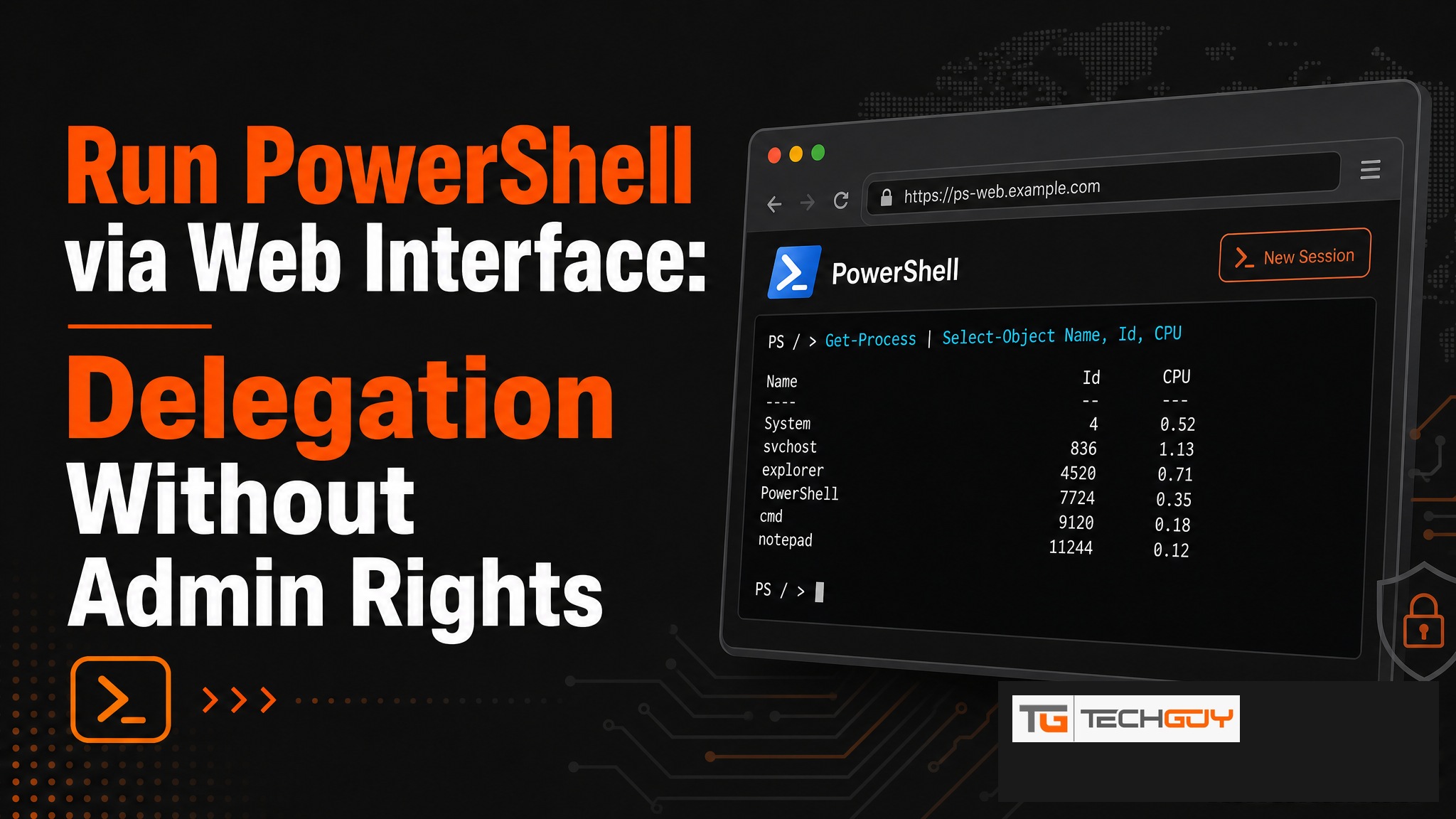
PowerShell is the most powerful tool for Windows administrators. Handing it directly to helpdesk teams, however, is a security risk. au2mator solves this problem: PowerShell scripts are configured once by an admin and then securely exposed through a web interface to non-technical teams, without admin rights and without any scripting knowledge. This concept is called PowerShell Delegation.
The Problem: PowerShell Is Powerful but Dangerous in the Wrong Hands
Anyone with PowerShell access can, in the worst case, manage the entire Active Directory, delete users, or escalate permissions. Giving direct PowerShell rights to helpdesk staff is therefore not an option. The alternative of routing every small request through the IT team wastes time and money.
What Is PowerShell Delegation?
PowerShell Delegation means IT admins define once which scripts may be executed with which parameters. End users or helpdesk teams then run those scripts through a simple web interface, without needing to know PowerShell and without holding admin rights. Execution happens in the background using a service account that holds the required permissions.
How Does au2mator Work as a PowerShell Self-Service Portal?
au2mator is a web-based self-service portal that makes PowerShell scripts and Azure Automation Runbooks safely accessible to end users. The workflow is straightforward:

- Admin creates a service in the au2mator portal and links a PowerShell script
- Admin defines allowed parameters and user groups
- Helpdesk staff sees only the approved service and fills in a simple form
- au2mator executes the script using the service account, fully logged
Practical Examples: Which PowerShell Tasks Should You Delegate?
- Password reset for Active Directory users
- Enable or disable user accounts
- Manage AD groups (add or remove members)
- Azure AD license assignment
- Set shared mailbox permissions
- Start Azure Automation Runbooks (e.g., start or stop VMs)
Security: How Do You Prevent Misuse?
au2mator relies on multiple security layers. Role-based access control (RBAC) ensures users see only the services approved for them. Every execution is logged with the user, timestamp, and parameters used. A complete audit trail is available at any time, which is important for compliance requirements such as ISO 27001 or SOC 2.
Integration with Azure Automation (PowerShell Runbooks)
au2mator integrates directly with Azure Automation. PowerShell Runbooks running in Azure can be started by end users through the au2mator self-service portal. No Azure portal access is required, and no PowerShell knowledge is needed. This is especially useful for cloud workloads that require regular manual intervention.
au2mator vs. ScriptRunner for PowerShell Delegation
| Criterion | au2mator | ScriptRunner |
|---|---|---|
| Target audience | End users & helpdesk (no technical knowledge required) | IT admins & PowerShell pros |
| Azure Automation | Native integration | Limited |
| Active Directory | Native integration | Via script |
| Parameter control | Strict (defined values only) | Flexible (more leeway) |
| Audit trail | Complete | Available |
| Target market | DACH SMB | Enterprise |
Unlike ScriptRunner, which is a UI wrapper for PowerShell professionals, au2mator is designed for real end users with no PowerShell knowledge, offering stricter parameter control and a complete audit trail. Learn more about au2mator →