
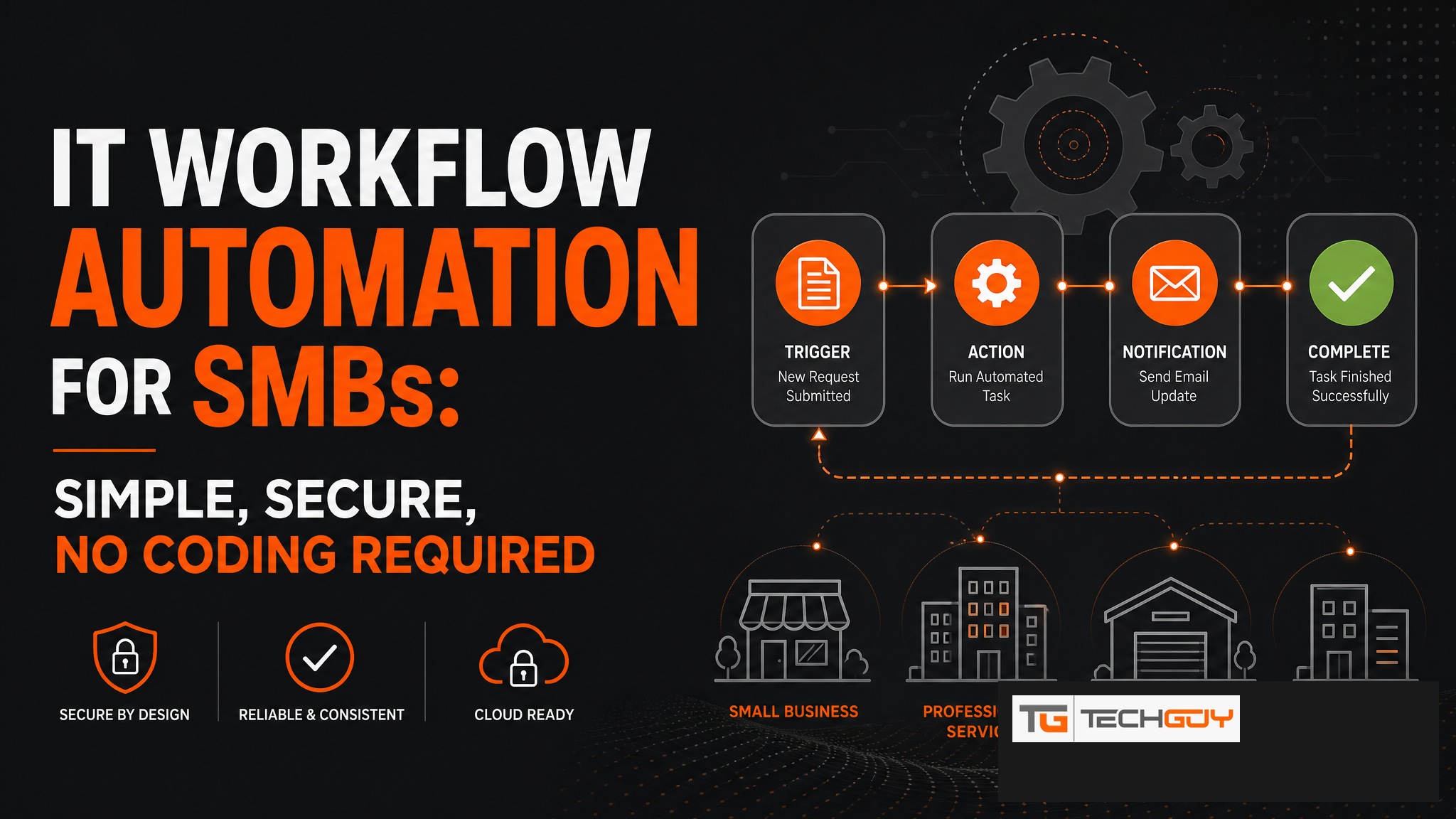
au2mator is the workflow automation platform for mid-sized IT teams in the DACH region that want to automate complex processes without diving deep into PowerShell or Ansible. Through an intuitive web interface, workflows are defined, permissions are assigned, and automations are delegated to the right teams. The result: hours of manual work become one-click processes.
What Does IT Workflow Automation Mean?
IT workflow automation means recurring IT processes are standardized, automated, and, crucially for the SMB market, made accessible to non-technical teams as well. The goal is not just writing scripts that run automatically. It is ensuring that the right people can initiate the right processes at the right time, securely and with full control.
Typical Workflows in an SMB That Can Be Automated
- User onboarding: New employee triggers automatic creation of AD account, email, groups, and license
- User offboarding: Departing employee triggers account deactivation, group removal, and mailbox archiving
- Password management: Self-service reset without an IT ticket
- VM management: Start or stop VMs via web portal instead of Azure access
- Reporting: Automated reports on licenses, groups, and access rights
- Compliance checks: Regular review of AD groups and permissions
au2mator as a Workflow Platform: How Does It Work?
In au2mator, workflows are defined as “services.” Each service is a configured process that starts a PowerShell script, an Azure Automation Runbook, or a System Center Orchestrator Runbook. IT admins build the service once. From that point, authorized users can start it with a click. Execution is fully automated and logged.

Comparison: au2mator vs. Ansible vs. RunDeck
| Criterion | au2mator | Ansible | RunDeck |
|---|---|---|---|
| Target audience | Helpdesk & end users | DevOps / sysadmins | Ops teams |
| Microsoft stack | ✅ Native (AD, Azure, SCO) | ⚠️ Via modules | ⚠️ Via plugins |
| No-code for end users | ✅ Yes | ❌ YAML knowledge required | ⚠️ Limited |
| DACH SMB | ✅ Specialized | ❌ Enterprise-focused | ❌ Enterprise-focused |
| Managed service | ✅ Available | ❌ Self-hosted | ❌ Self-hosted |
| Audit trail | ✅ Complete | ⚠️ Logs | ✅ Available |
Integration with Existing Tools
au2mator complements existing Microsoft infrastructure instead of replacing it. Active Directory remains the source of truth, Azure Automation handles cloud workloads, and System Center Orchestrator manages On-Premises automation. au2mator is the frontend that ties everything together and makes it usable for non-technical teams.
Getting Started: What Do I Need to Start with au2mator?
For an On-Premises installation: Windows Server, IIS, and SQL Server, with a typical implementation time of one to two days with support from the au2mator team. Alternatively, the managed service option has au2mator hosting and operating the platform while the company only configures the desired processes. This is ideal for teams that want to start quickly without tying up internal IT capacity.
Workflow automation that actually works in SMBs. No DevOps team required. Request a demo →
