
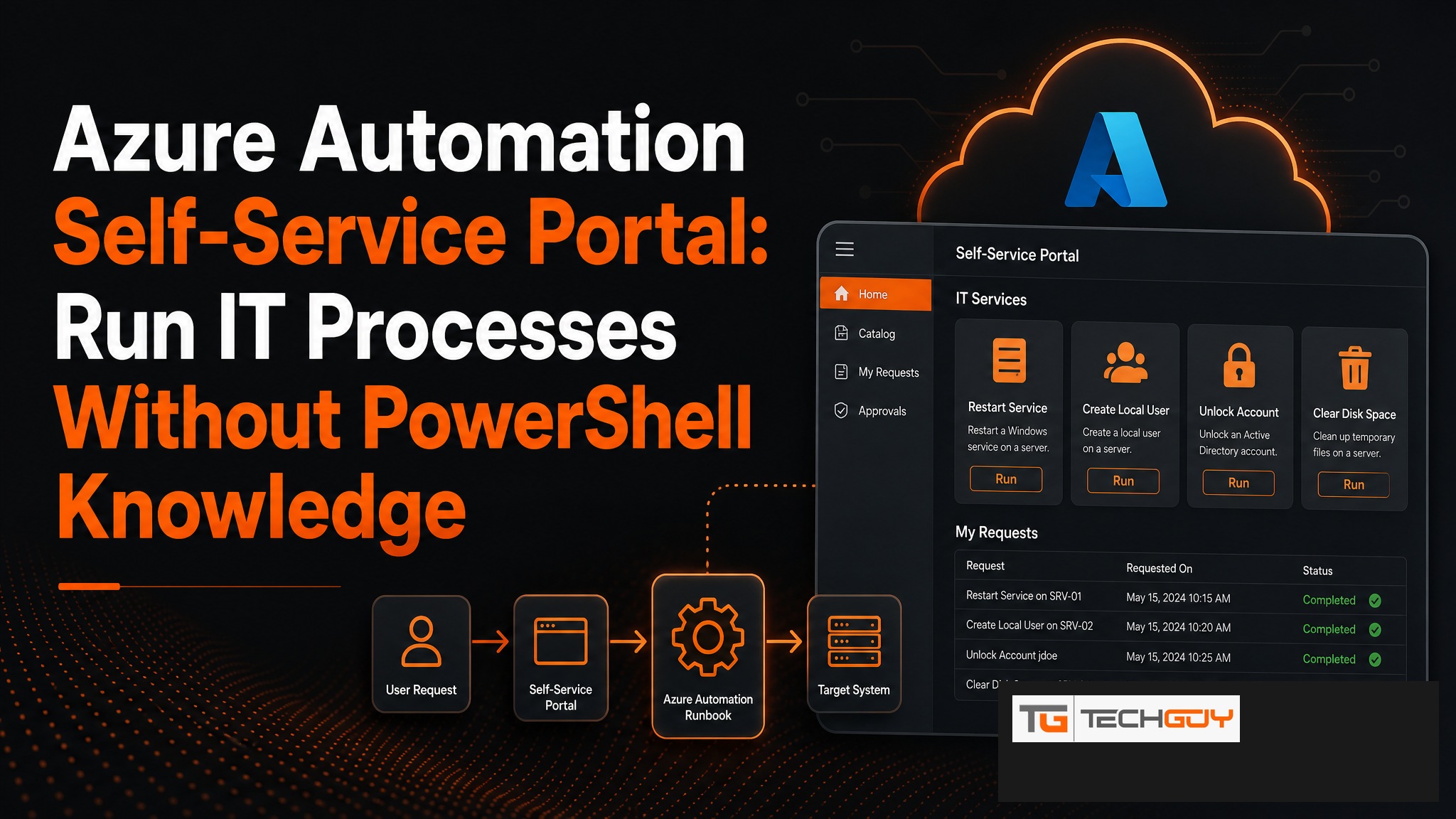
Azure Automation is powerful. Without the right frontend, however, it remains a tool for admins only. au2mator closes this gap. As a web-based self-service portal, it makes Azure Automation Runbooks usable by every employee, without needing to understand PowerShell or having Azure access. Mid-sized companies in the DACH region use au2mator to bring Azure Automation to a broader audience securely and with full control.
What Is Azure Automation, and Why Does It Need a Frontend?
Azure Automation enables the automation of IT processes through PowerShell or Python Runbooks in the cloud. Runbooks can start and stop VMs, manage users, generate reports, or execute complex multi-step processes. The problem: without direct Azure access, only IT admins can start these Runbooks. For helpdesk teams or business units, Azure Automation is practically invisible.
au2mator as an Azure Automation Self-Service Portal
au2mator connects directly to Azure Automation and exposes Runbooks as simple web services. The workflow: an admin links an Azure Automation Runbook to an au2mator service, defines allowed parameters and user groups, and that is it. From that point on, authorized employees can start the Runbook through a simple web form, without any Azure knowledge.
Which Tasks Can Be Delegated?
- Start, stop, or restart Azure VMs
- Manage Azure AD users (license, group, password)
- Generate automated reports and send them by email
- Azure Storage tasks (blob upload, cleanup)
- App Registrations and secret rotation
- Start on- and offboarding workflows
- Trigger backup jobs
Technical Integration: How Does au2mator Connect to Azure Automation?
au2mator uses an Azure Service Principal with the minimal required permissions to start Runbooks and query their status. The connection is encrypted and credentials are stored securely in au2mator. End users have no direct Azure access at any point. They interact only with the au2mator portal.

Security: Who Can Execute What?
Role-based access control (RBAC) ensures that every user sees and can start only the services approved for them. Parameters are strictly controlled. Admins define whether a field is a free-text input, a dropdown with predefined values, or a stored value. No user can enter parameters outside the allowed boundaries.
au2mator vs. Direct Azure Portal Access
| Aspect | au2mator Self-Service | Direct Azure Portal Access |
|---|---|---|
| Technical knowledge required | ❌ None | ✅ Azure knowledge required |
| Permission risk | ✅ Minimal (Runbook start only) | ⚠️ Broad (Azure RBAC) |
| Audit trail | ✅ Complete in au2mator | ⚠️ Azure Activity Log only |
| User-friendliness | ✅ Simple web form | ❌ Complex Azure Portal |
| Delegation to helpdesk | ✅ Straightforward | ❌ Security risk |
Real-World Example: Azure Automation in an SMB
A mid-sized company uses Azure Automation Runbooks for VM management and user onboarding. Previously, the IT admin had to start every Runbook manually. With au2mator, the helpdesk starts VMs through the portal when a user reports an issue, and the onboarding Runbook starts automatically when HR creates a new employee. IT effort: nearly zero.
Make Azure Automation available to everyone, without Azure knowledge and without security risk. Request an au2mator demo →