
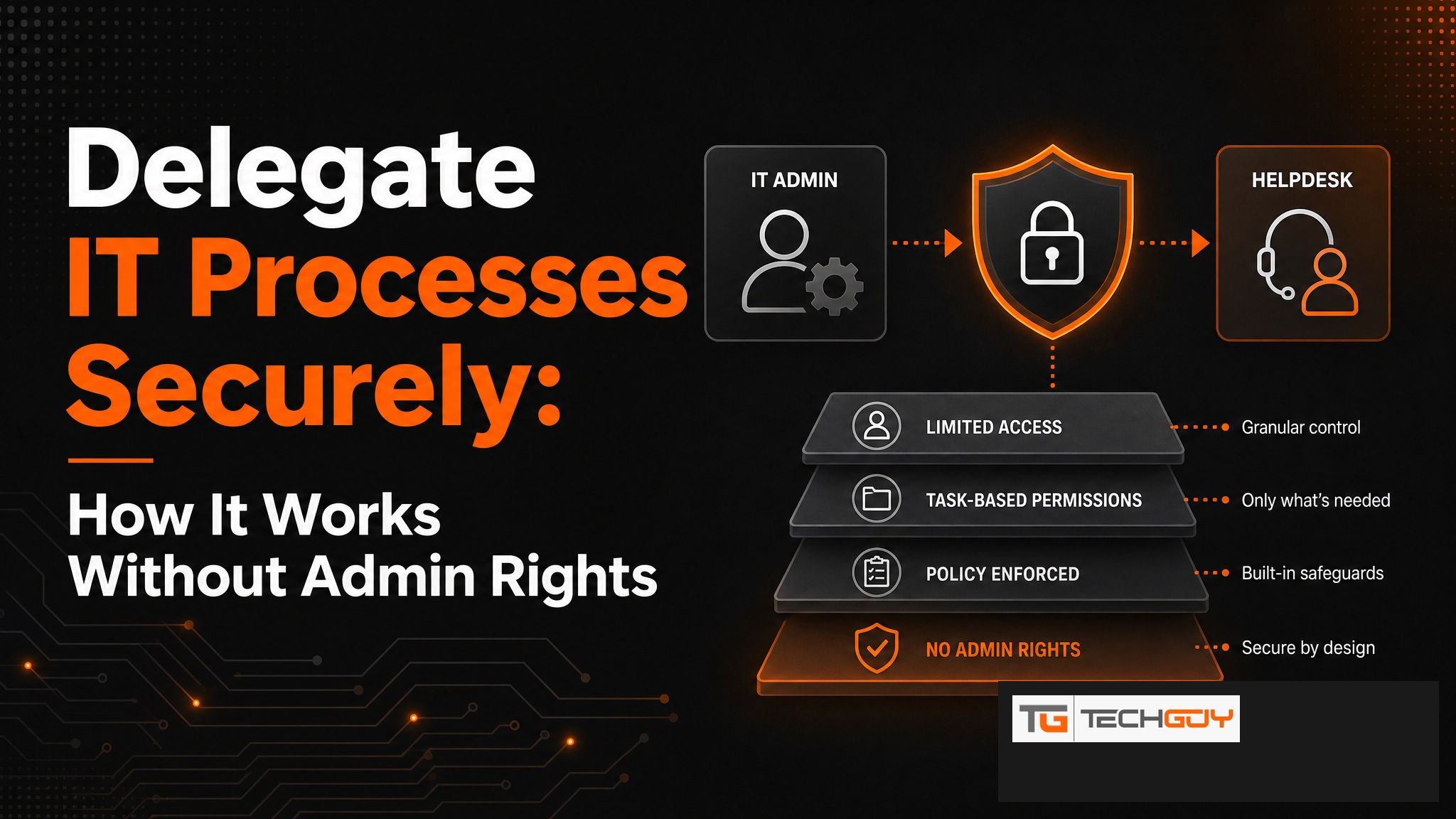
au2mator is the self-service portal that enables IT departments in mid-sized companies to securely delegate complex processes such as password resets, user creation, or group management to the helpdesk, without requiring admin rights. Through a simple web interface, authorized employees can execute exactly the tasks that have been approved for them. No scripting knowledge is needed. The result: fewer IT tickets, more security, and a less burdened IT team.
What Does IT Process Delegation Mean?
IT process delegation means: tasks that previously only IT admins could perform are controlled passed on to other teams, whether helpdesk, business units, or even end users themselves. The key point is that delegation happens securely, with clearly defined boundaries and a complete audit trail. The goal is not “grant admin rights” but “enable controlled execution without admin rights.”
Typical Delegatable Processes in an SMB
- Password reset for Active Directory users
- Create new users based on a standard template
- Manage AD groups (add or remove members)
- Enable, disable, or unlock user accounts
- Azure AD license assignment
- Set shared mailbox permissions
- Start or stop VMs via Azure Automation
- Create external guest accounts with an expiry date
The Risk Without Delegation: Admin Rights vs. Helpdesk
Many IT teams solve the delegation problem the wrong way: they grant admin rights to helpdesk staff so they can act faster. The result is a massively expanded attack surface. A compromised helpdesk account suddenly has Domain Admin access. The alternative of routing everything through the IT team wastes time, money, and patience. IT process delegation via a self-service portal resolves this dilemma.

How au2mator Delegates IT Processes
- Admin defines services: Which actions should be delegatable? (e.g., “Password Reset,” “Create User”)
- Set permissions: Who can use which service? (Helpdesk Tier 1, Tier 2, manager, etc.)
- Restrict parameters: What can the user enter? (free text, dropdown, predefined values)
- Execution: End user starts the service via the web portal; au2mator executes using the service account
- Logging: Everything is logged: user, timestamp, parameters, result
au2mator vs. ScriptRunner: Which Tool Fits When?
| Criterion | au2mator | ScriptRunner |
|---|---|---|
| Target audience | Helpdesk & end users without technical knowledge | IT admins & PowerShell pros |
| Setup effort | Low (GUI-based) | Medium (scripting knowledge required) |
| Azure Automation | Native integration | Limited |
| Active Directory | Native integration | Via script |
| Target market | DACH SMB | Enterprise |
Real-World Example: SMB with 500 Users
A manufacturing company with 500 employees and a two-person IT team: 20 to 30 IT tickets for AD tasks arrived daily, covering forgotten passwords, new employees, and wrong group assignments. After introducing au2mator, the helpdesk handles 85 percent of these tickets independently through the portal. The two IT staff members now have time for infrastructure projects instead of routine tickets.
Requirements and Integration
au2mator integrates with the common Microsoft backends: Active Directory (On-Premises), Azure Active Directory / Entra ID, Azure Automation (Runbooks), and System Center Orchestrator. A local agent establishes the secure connection to On-Premises AD. Deployment is available On-Premises or as a managed service.
Delegate IT processes securely without granting admin rights. au2mator makes it possible. Request a demo →
