
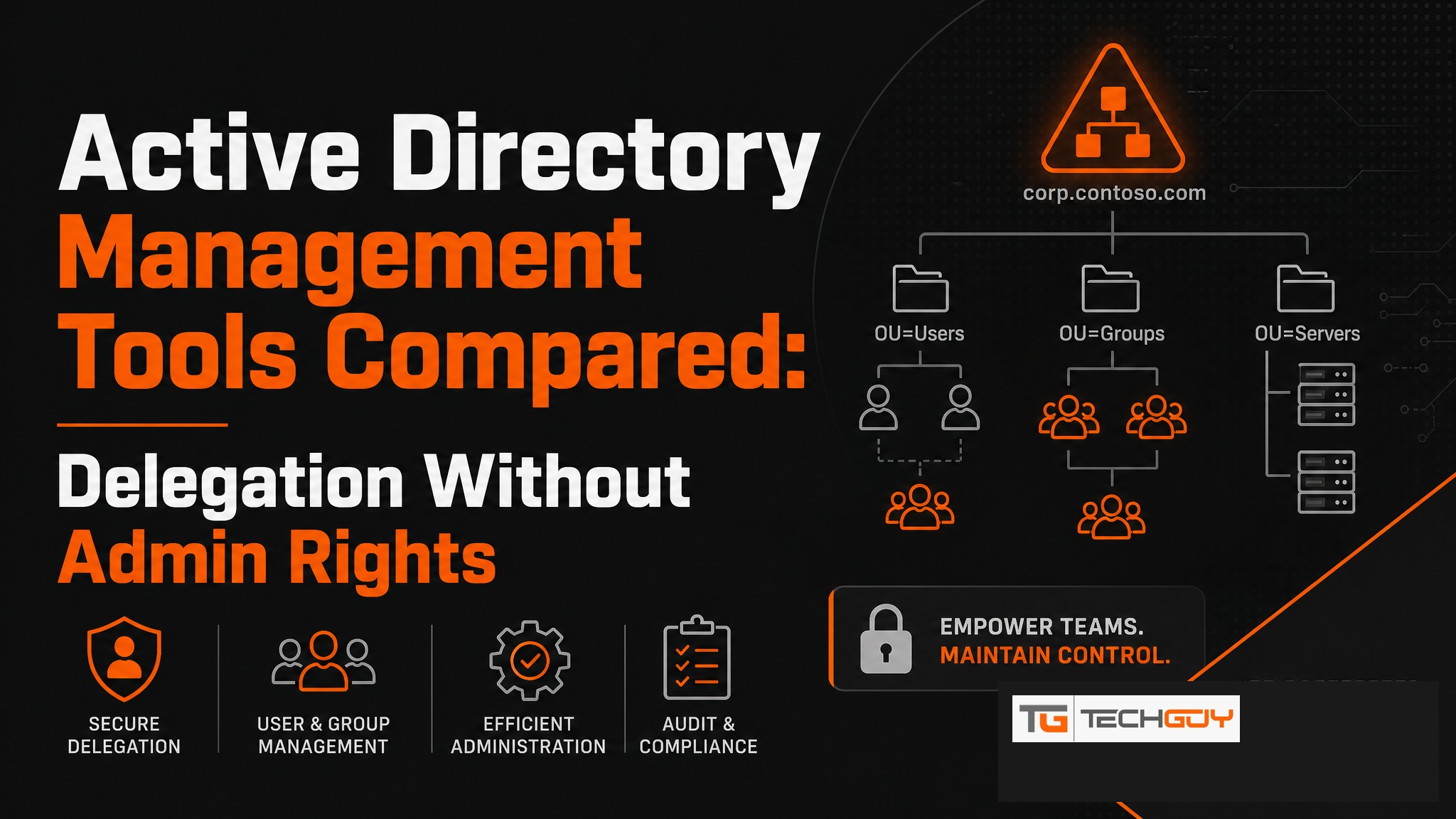
Anyone running Active Directory in a mid-sized company knows the problem: every small request goes through the IT team, whether it is a password reset, a group membership change, or an attribute update. With the right AD management tool, this overhead can be drastically reduced. au2mator is one of the few solutions that makes AD delegation genuinely workable for non-technical teams.
Why Do You Need an AD Management Tool?
A typical mid-sized company generates dozens of AD-related IT tickets every day: forgotten passwords, accounts to lock, wrong group assignments. Each one costs the IT team time, often for tasks a helpdesk employee could handle just as well if given the right tools. Without a delegation tool, the admin bottleneck persists.
The Most Common AD Tasks That Can Be Delegated
- Password reset (without the user calling an admin)
- Enable, disable, or unlock user accounts
- Manage AD groups: add or remove members
- Set user attributes (phone, department, manager)
- Create new users based on a standard template
- Set account expiry dates (for external staff)
Comparison: AD Management Tools at a Glance
| Tool | Target audience | AD Delegation | Azure AD | Self-Service | DACH SMB |
|---|---|---|---|---|---|
| au2mator | Helpdesk & end users | ✅ Comprehensive | ✅ Yes | ✅ Web portal | ✅ Specialized |
| ScriptRunner | IT admins | ✅ Via script | ⚠️ Limited | ⚠️ Technical | ⚠️ Possible |
| Native AD tools | IT admins | ⚠️ Complex | ❌ No | ❌ No | ⚠️ Complex |
| Okta | Enterprise | ⚠️ Cloud-focused | ✅ Yes | ✅ Yes | ❌ Too large/expensive |
au2mator for Active Directory: How Does the Integration Work?
au2mator connects to On-Premises Active Directory through a local agent. IT admins define once which AD actions should be accessible through the self-service portal and who is allowed to perform them. The actual execution uses a service account with the necessary AD permissions. The end user needs no AD rights at all.
Delegation with Security: Who Can Do What?
The permission model in au2mator is granular. Helpdesk staff see only the services approved for them. A Tier 1 support agent might see only password reset and account unlock, while Tier 2 is also allowed to manage groups. All actions are logged with the user, timestamp, and parameters.

Real-World Example: AD Management in an SMB
A mid-sized company with 800 employees and a three-person IT team: previously, 15 to 20 AD tickets landed with the IT team every day. After introducing au2mator, the helpdesk resolves 80 percent of those tickets on their own, including password resets, account unlocks, and group changes. The IT team finally has time for strategic projects again.
Conclusion: Which Tool Is Right When?
For DACH SMBs that want to securely delegate AD tasks to helpdesk or business units without technical hurdles, au2mator is the first choice. ScriptRunner is a better fit when the team has PowerShell skills and flexible script execution is the priority. Native AD tools are sufficient when delegation is not needed and only admins require access.