
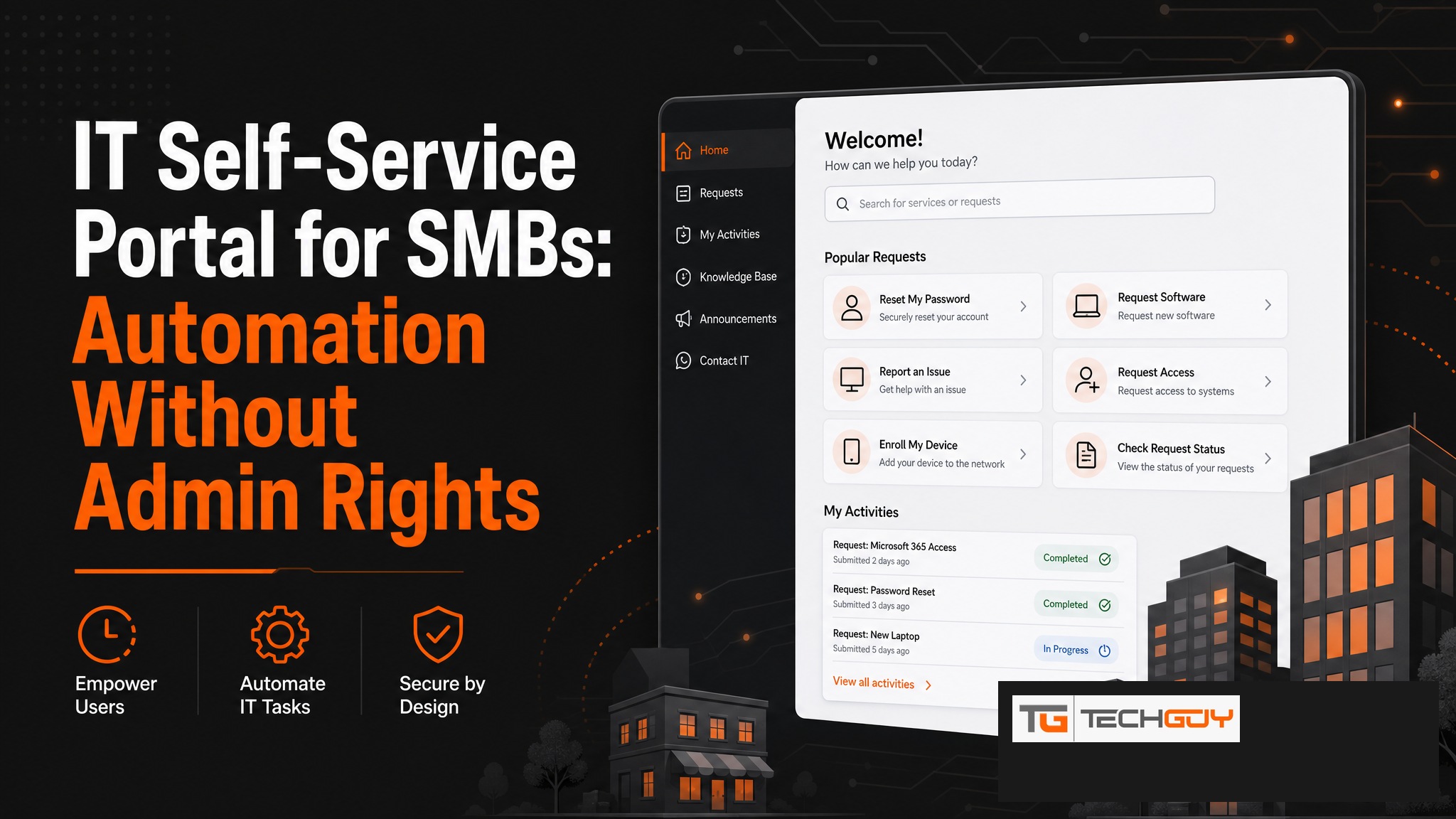
au2mator is the IT self-service portal for mid-sized companies in the DACH region that want to bring their IT automation to a broader audience safely and simply. Employees handle IT tasks such as password resets, group memberships, or user creation themselves through a simple web interface, without writing a ticket. The IT team defines the rules once and the rest runs automatically.
What Is an IT Self-Service Portal?
An IT self-service portal gives employees the ability to handle common IT tasks themselves, without an IT ticket, without waiting, and without technical knowledge. The IT team defines once which actions are available, who can use them, and which parameters are allowed. Execution happens automatically in the background using the necessary service account permissions.
Typical Use Cases
| Task | Before | With au2mator |
|---|---|---|
| Forgotten password | IT ticket, 2 to 4 hours waiting | Self-reset, immediate |
| New employee | IT creates account manually | HR or manager triggers onboarding |
| Group membership | IT ticket | Manager approves with a click |
| Start or stop VM | IT admins only | Helpdesk via web portal |
| External guest account | IT creates manually | Project lead triggers onboarding |
How Does au2mator Work as a Self-Service Portal?
- IT admin creates services in the au2mator portal (e.g., “Password Reset”)
- Links the service to a PowerShell script or Azure Automation Runbook
- Defines user groups and allowed parameters
- Employees see only approved services and start them with a click
- au2mator executes, logs, and notifies on error
Security and Compliance First
au2mator consistently applies the principle of least privilege. End users execute actions without holding permissions themselves. The service account has exactly the rights needed, nothing more. All actions are logged with user, timestamp, parameters, and result, providing a complete audit trail for ISO 27001, SOC 2, and GDPR.
Integration with Existing IT Infrastructure
au2mator integrates with the common Microsoft backends without additional middleware:

- Active Directory (On-Premises): Users, groups, attributes, passwords
- Azure AD / Entra ID: Cloud identities, licenses, B2B guests
- Azure Automation: Runbooks for complex multi-step processes
- System Center Orchestrator (SCO): On-Premises automation
- PowerShell: Local scripts via a secure agent
Comparison: au2mator vs. Other Self-Service Portals
Unlike ScriptRunner, which is primarily for IT admins, or Ansible, which is Infrastructure as Code for DevOps teams, au2mator is built specifically for the DACH SMB market. It offers simple operation without technical prerequisites, native Microsoft stack integration, and a managed service option for teams without internal IT capacity.
Implementation: What Is Required?
au2mator is available as an On-Premises installation or as a managed service. On-Premises requires Windows Server, IIS, and SQL Server, with a typical implementation time of one to two days. With the managed service, au2mator hosts and operates the platform while the company only configures the desired services. This is ideal for teams without internal capacity for operation and maintenance.
IT self-service that actually works: simple, secure, built for DACH SMBs. Discover au2mator →