
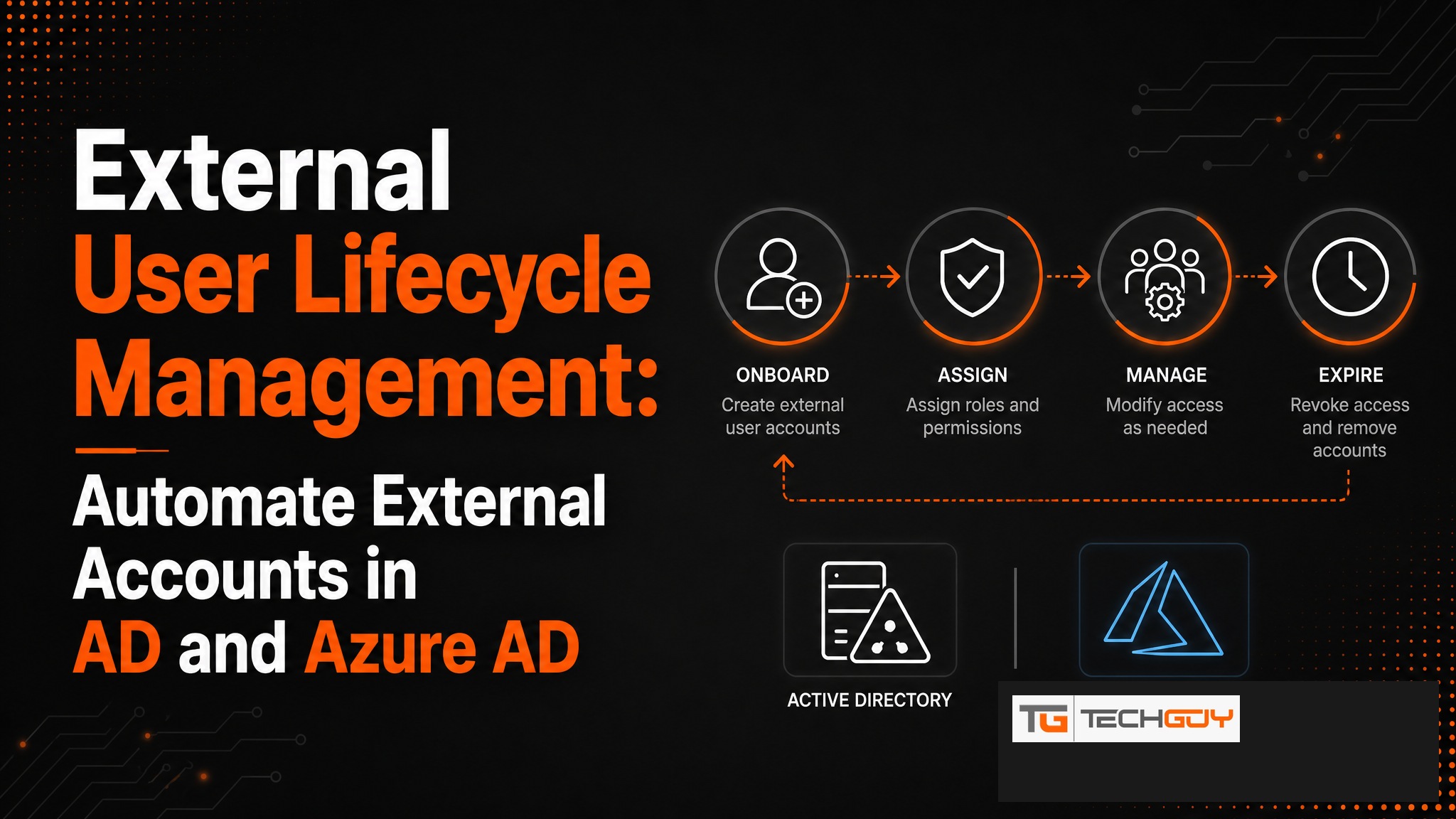
External employees, freelancers, and partner organizations come and go. Managing their accounts in Active Directory and Azure AD manually costs time and creates security risks. au2mator automates the complete lifecycle of external users, covering account creation, permissions, expiry dates, and deactivation, all controlled through a self-service portal. The IT team keeps control without having to execute every step manually.
What Is External User Lifecycle Management?
External User Lifecycle Management describes the structured process for managing user accounts for non-employees: external consultants, temporary workers, suppliers, and partners. These users need temporary access to systems, but unlike internal employees they do not have a fixed start and end date in the HR system. Without an automated process, “ghost accounts” that remain active after a project ends are created quickly.
The Typical Problems Without Automation
- External accounts remain active after a project ends, creating a security risk
- No central overview of all external users and their expiry dates
- Manual deactivation is forgotten or delayed
- IT team must act individually for every external account
- Compliance audit reveals orphaned accounts, resulting in findings and rework
au2mator for External User Management
au2mator automates the complete lifecycle of external users in Active Directory and Azure AD:
- Onboarding: Create the external account with an automatic expiry date, initiated by the responsible manager through self-service
- Permissions: Only approved resources are accessible, defined through templates
- Expiry monitoring: Automatic reminder before expiry, with the option to extend or deactivate
- Offboarding: Automatic deactivation on the expiry date, optionally with an immediate audit report
Automatic Deactivation: Guest Accounts That Actually Expire
The most common mistake in External User Management: an expiry date is set but nobody checks whether it is actually enforced. au2mator handles this check automatically. Seven days before expiry, the responsible manager receives a reminder. On the expiry date itself, the account is automatically deactivated in On-Premises AD and Azure AD simultaneously. No manual steps, no forgetting.

Self-Service Onboarding for External Partners
Without au2mator, the IT team must process a ticket for every external account. With au2mator, the responsible project lead or manager can initiate onboarding directly through the portal. They select a template such as “External Consultant” or “Supplier,” enter first and last name along with an expiry date, and au2mator handles the rest. The IT team only needs to approve critical exceptions.
Compliance and Audit
Regulatory requirements such as GDPR, ISO 27001, and TISAX demand evidence of external access: who had access to which systems and when? au2mator delivers this evidence automatically with a complete audit trail that can be exported as a report. During compliance audits, this is the difference between one hour of research and an entire day of effort.
Integration with Azure B2B and On-Premises AD
au2mator supports both scenarios: external users in On-Premises Active Directory as classic guest accounts, and Azure B2B Guest Accounts in Azure AD. For hybrid environments, which are the norm in the DACH SMB space, both are managed simultaneously. Unlike pure Azure B2B solutions, au2mator does not neglect the On-Premises side.
au2mator automates the complete lifecycle of external users, from account creation to automatic deactivation. No manual effort, no forgetting, no compliance risk. Learn more →

